
Download bit.ly | a simple URL shortener – URL shortener, link sharing, social media tool, productivity utility, mobile app
Overview
The bit.ly | a simple URL shortener is a streamlined tool designed to simplify the process of creating concise, manageable links for digital sharing. Its primary purpose is to convert lengthy web addresses into compact, easy-to-distribute URLs—ideal for platforms where space is limited, such as social media posts, messaging apps, and email communications. By shortening links, the app helps users optimize content for readability and engagement while maintaining the integrity of the original destination.
The app addresses common challenges like character limits on platforms like Twitter, cluttered messages, and inefficient link tracking. It is especially beneficial for content creators, marketers, educators, and social media managers who frequently distribute online resources. While the developer did not provide additional background on the company, the app’s long-standing presence in the digital ecosystem—since its release on February 17, 2011—suggests reliability and widespread adoption.
Real-world use cases include sharing blog posts, promotional links, event registrations, and online tutorials with minimal friction. In the broader app ecosystem, bit.ly stands out as a foundational utility for digital communication, enhancing both efficiency and analytics for link performance.
Key Features & Functionality
- Instant URL Shortening: Users can quickly convert long URLs into short, shareable links with minimal effort. This feature is particularly useful when posting on platforms with character restrictions.
- Account-Based Access: The app requires users to create a bit.ly account to access its full functionality, enabling personalized link management and analytics.
- Link Tracking & Analytics: Once a link is shortened, users can monitor how many times it’s been clicked, where traffic originates, and other performance metrics—valuable for assessing content reach.
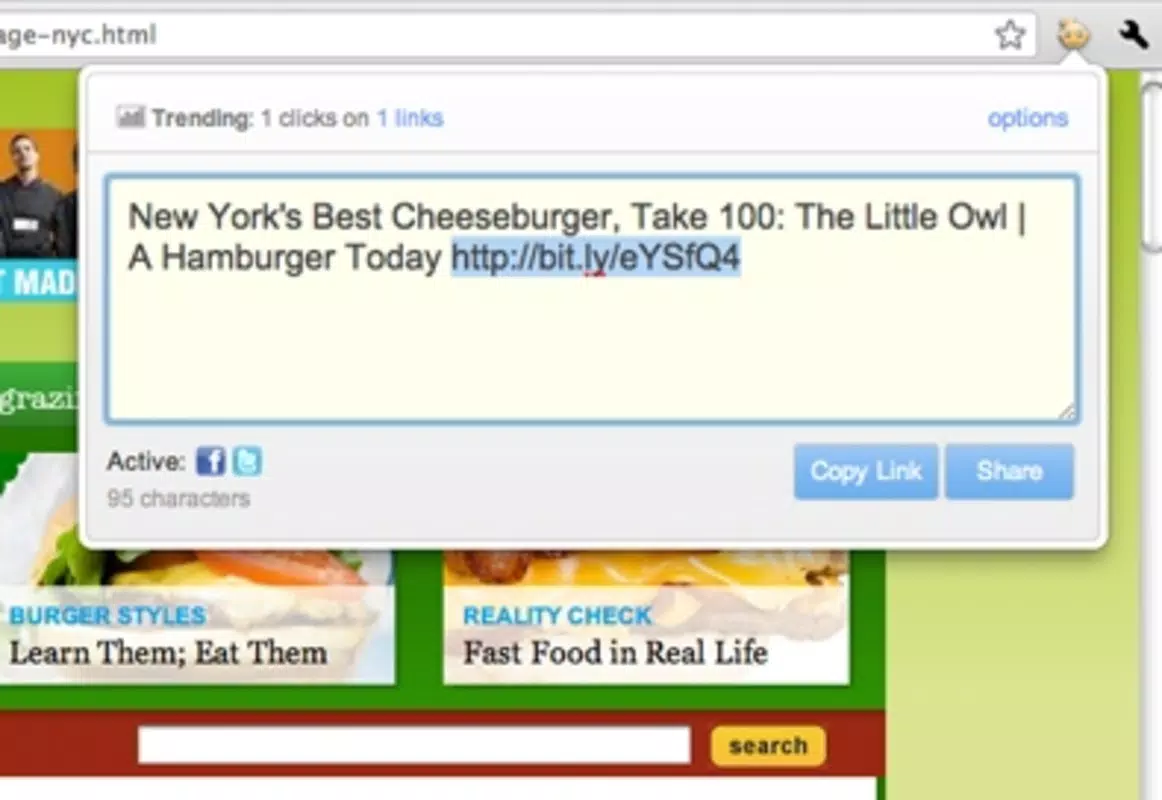
- Browser Extension Integration: The tool is designed to work seamlessly with browser toolbars, allowing users to access it with a single click while browsing.
- Customizable Short Links: Users may have the option to create branded or memorable short links, enhancing professionalism and brand visibility.
For example, a social media manager preparing a tweet can use the extension to shorten a 75-character URL into a 20-character link, freeing up space for additional text or hashtags. A teacher sharing a digital resource can generate a clean, trackable link to monitor student access. The ability to track clicks helps users evaluate which content resonates most with their audience, enabling data-driven decisions. The integration with a browser toolbar ensures that the tool remains accessible without disrupting workflow. Although specific technical details about customization options were not provided, the app’s functionality appears well-suited for users seeking both simplicity and insight in their digital outreach.
Interface, UX & Performance
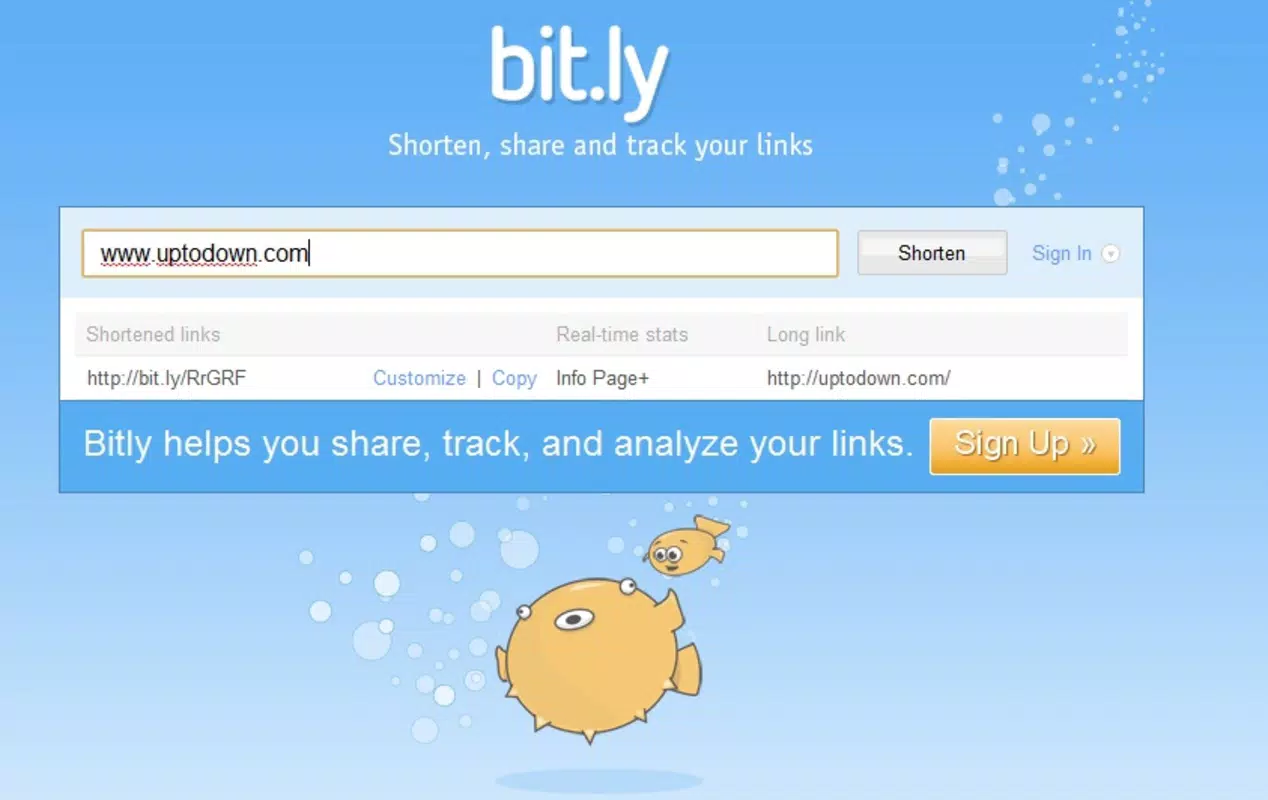
The interface of bit.ly | a simple URL shortener is designed with usability in mind, prioritizing clarity and speed. The user experience is centered around a minimalistic design, likely featuring a clean input field and a prominent button to generate shortened links. Navigation is intuitive, requiring only a few steps: access the extension, paste the URL, and receive the shortened version.
The visual style appears consistent with modern web tools—light on distractions, focused on core functionality. The app’s performance is expected to be responsive, especially given its integration with browser toolbars, which typically load quickly and operate smoothly. Although the developer did not list formal performance metrics, the tool’s long-standing operation suggests a stable and reliable experience across various device categories.
Responsiveness is likely optimized for both desktop and mobile web environments, ensuring consistent behavior when accessed through different screen sizes. Stability appears strong, as the app does not require frequent updates or troubleshooting. However, specific requirements for device compatibility, OS versions, or memory usage were not disclosed.
Overall, the UX is streamlined for efficiency, making it suitable for users who value speed and simplicity without sacrificing functionality.
Platform Compatibility & Technical Requirements
The app is available on multiple platforms, though specific details were not provided in the input. It functions as a browser extension, indicating compatibility with major web browsers such as Chrome, Firefox, and Safari. The developer did not specify minimum OS requirements or file size for the extension.
Similarly, no information was given about the supported mobile operating systems or whether a dedicated mobile app exists. The software version and release date are listed as 2011-02-17, reflecting its long-standing presence in the digital space. While the app’s functionality is web-based, users may access it through mobile browsers.
The developer did not disclose additional technical specifications such as RAM, storage, or processor requirements. Compatibility information was not fully disclosed, so users should verify functionality based on their current browser and device setup. Despite the lack of detailed technical data, the app’s established history suggests broad compatibility across modern devices.
Pros and Cons
- Efficiently shortens long URLs for better readability and space-saving
- Provides access to link analytics for performance tracking
- Simple, intuitive interface suitable for users of all skill levels
- Seamless integration with browser toolbars for quick access
- Supports professional and personal use cases across multiple industries
- Requires a user account to access core features
- Functionality is primarily web-based, with limited native app presence
- Specific technical requirements were not listed
- May not support advanced customization without premium features
- Dependent on internet connectivity for real-time operations
FAQ
Is bit.ly | a simple URL shortener free to use?
Yes, the app offers a free tier for basic URL shortening and analytics. Additional features may be available through premium plans.
Do I need to create an account to use the tool?
Yes, a bit.ly account is required to generate and track shortened links, enabling access to analytics and custom link options.
Can I use bit.ly on my mobile device?
The app is primarily designed for browser use. While it may be accessible via mobile browsers, a dedicated mobile application was not specified in the provided details.
Is my data secure when using bit.ly?
bit.ly employs standard security measures to protect user data and link information. For detailed privacy policies, users should refer to the official website.
How often is the app updated?
While the release date is listed as February 17, 2011, the app is likely updated regularly to maintain compatibility and security. Specific update frequency was not disclosed.
Final Thoughts
bit.ly | a simple URL shortener remains a reliable, efficient solution for anyone who regularly shares links online. Its core strength lies in its simplicity, speed, and integration with digital workflows. Whether you're crafting a tweet, sending a message, or managing a content campaign, the ability to shorten and track links adds significant value.
The tool is particularly well-suited for social media professionals, educators, and digital marketers who need both practicality and insight. While it relies on a web-based model and requires account creation, the benefits of analytics and streamlined sharing outweigh the minor setup barrier. With a proven track record since 2011, it continues to serve as a foundational utility in the modern digital toolkit.
For users seeking a no-frills, effective way to manage online links, bit.ly delivers consistent performance and clarity. Download bit.ly now.


